
Appearance
How to Resolve the On-Page SEO Error: "Fulfillment service is not defined for your shop"
How to Resolve the On-Page SEO Error: "Fulfillment service is not defined for your shop"
When the On-Page module reports an error: "Fulfillment service is not defined for your shop", as shown in the following picture:
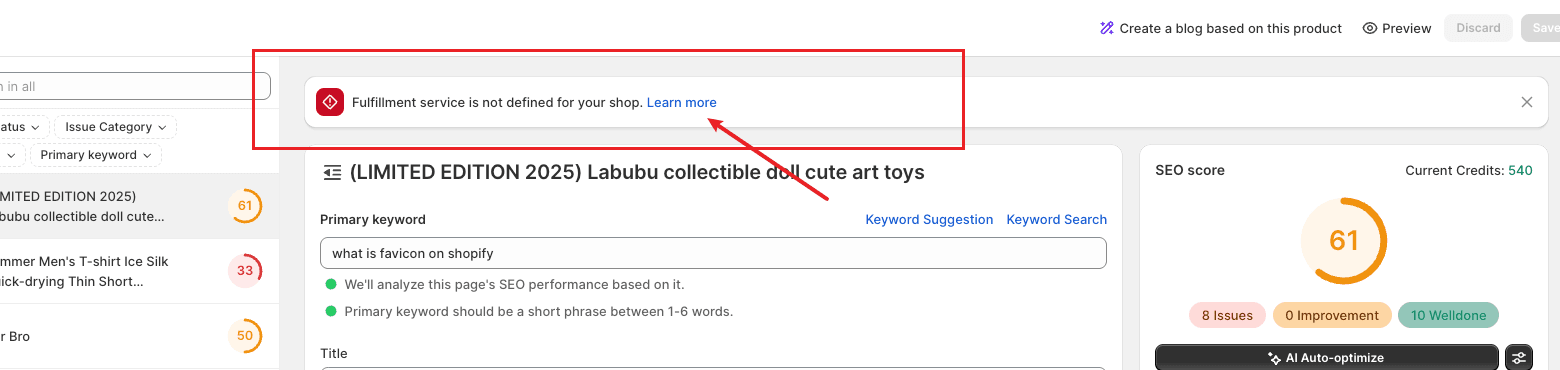
The cause of the error might be that you previously imported the product to the Shopify store through a Dropshipping app, but did not associate the correct address in the corresponding product variant inventory.
Here is an example solution for you to refer to:
Log in to Shopify and find the corresponding product page.
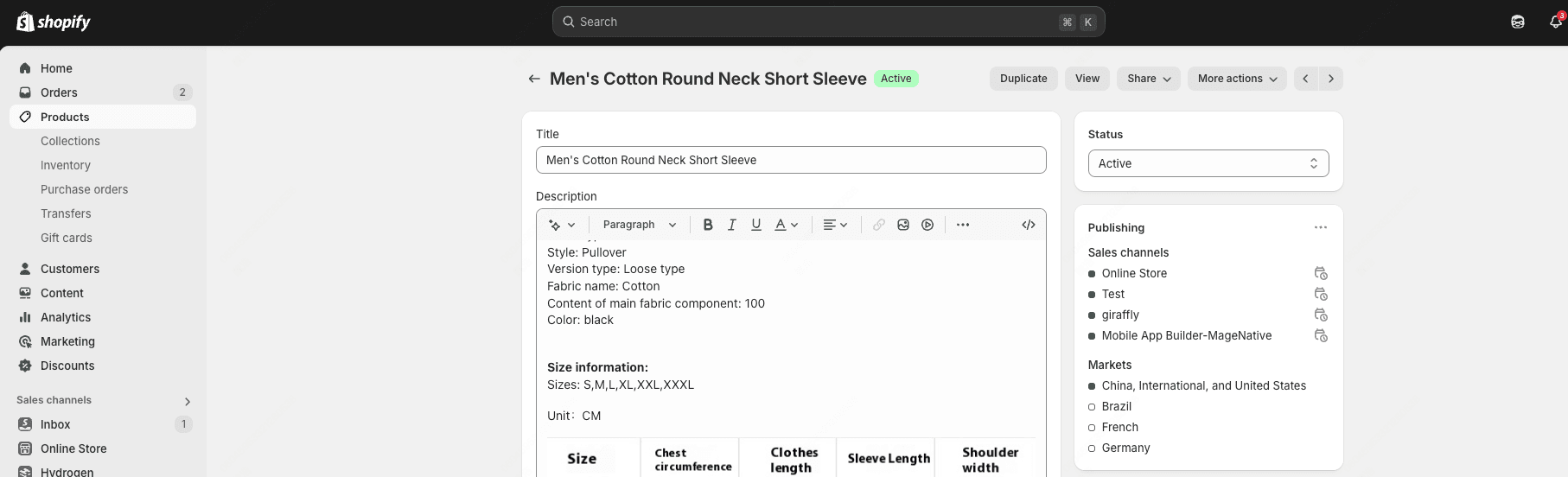
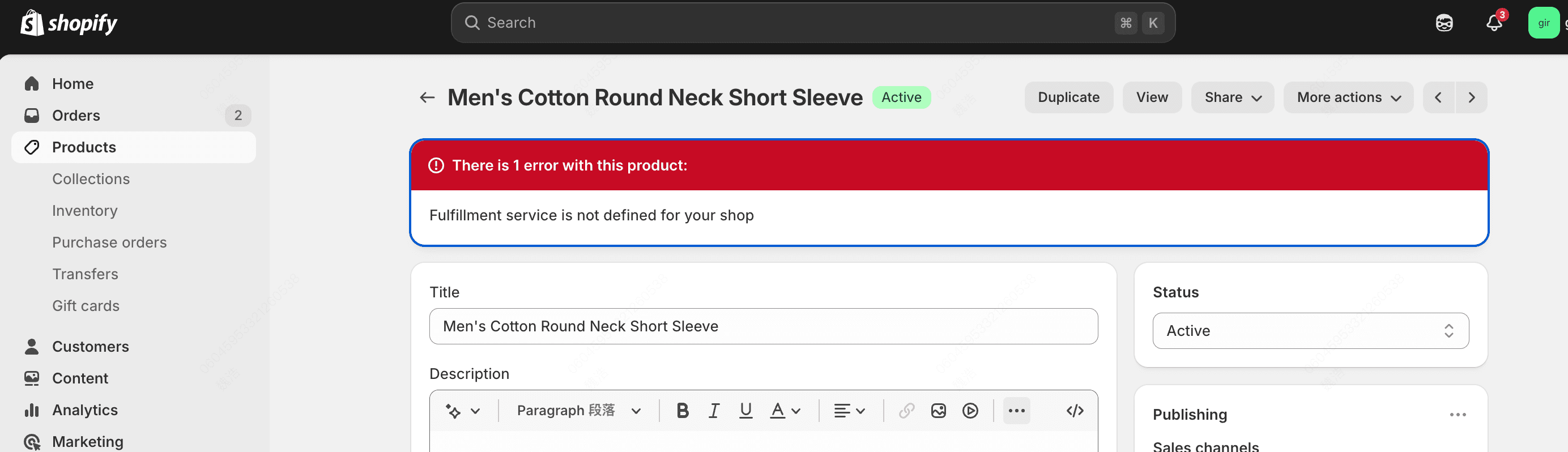
In the Shopify admin, if you try to modify and save the product, you may find that it cannot be saved. This is a Shopify product settings issue.
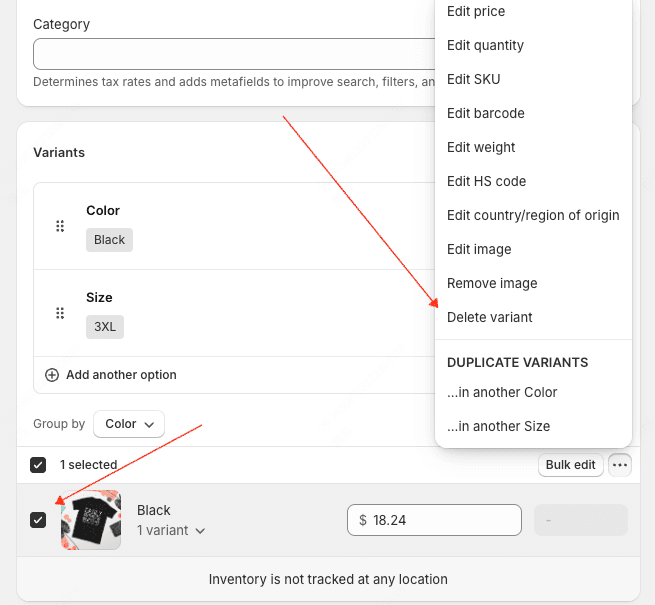
Go to Variants → select the corresponding product variant → Delete variant, then re-add the corresponding product variant to solve the problem.
If you have any questions, feel free to reach out to the SEOWILL Support Team.