
AMP
What is Google AMP?
Accelerated Mobile Pages (AMP), also known as AMPs, is an open-source project by Google to increase the loading speed of websites on mobile pages and offer the best experience for mobile users. When it comes to Shopify owners, your store can get a high score on mobile users if you create a user-friendly and customer-centred website.
Why is Google AMP Important?
The AMP website’s fast-loading ability influences where Google places its pages in the search results. Because users like websites that load faster and make several clicks on those, Google considers that website proper. In such cases, Google will think to get higher placement in the search engine results.
Concerning the importance of this component in SEO and user experiences, SEOAnt offers an out-of-the-box tool for Shopify merchants by automatically creating AMP pages for your store. In the Premium Plan, SEOAnt allows you to set up AMP for Homepage, Products, Collections, Image library, Blogs, and Blog Posts pages. You need to navigate to the tab you want to add AMP, then hit the Publish your Collection pages button.
How can SEOAnt help in optimizing user experience of mobile pages?
To assist more websites in achieving the power of AMPs, SEOAnt has its own AMP-creating option for merchants to optimize their websites for faster loading. SEOAnt’s AMP webpage appears like this:
Here, you can edit each of the sections of your page, including the Homepage, the Product section, Collections, Blogs, Blog posts, and the Image library.
Step 1: Click on the dashboard tab, and this is what will appear on your screen. You may input any changes you want to create in your website's dashboard.
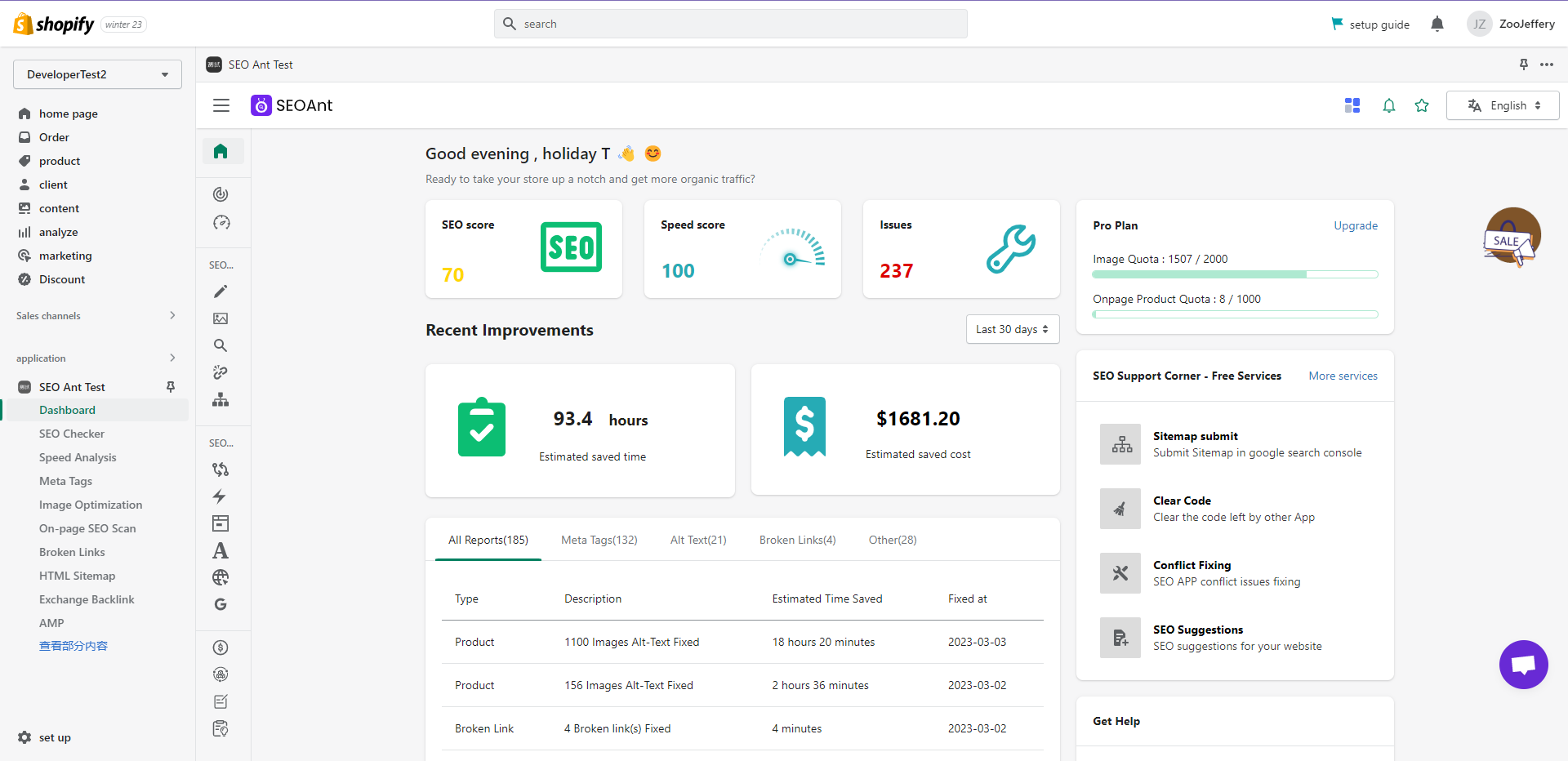
Step 2: Click Update AMP Cache after changing anything on the original page to save and publish it.

Step 3: Click on the Products page and this is what will appear on your screen:

Step 4: If you click on the “Publish Your Products” page option, you will see that it has to do with selecting a premium plan to access some of the website’s best features.

I cannot save contents while using your updated contents in AWP
See the two screenshots guidance below

